



Panel replacement
For an installed panel, provide its complete order number and a clear nameplate photo. Include the software version and connection requirements.
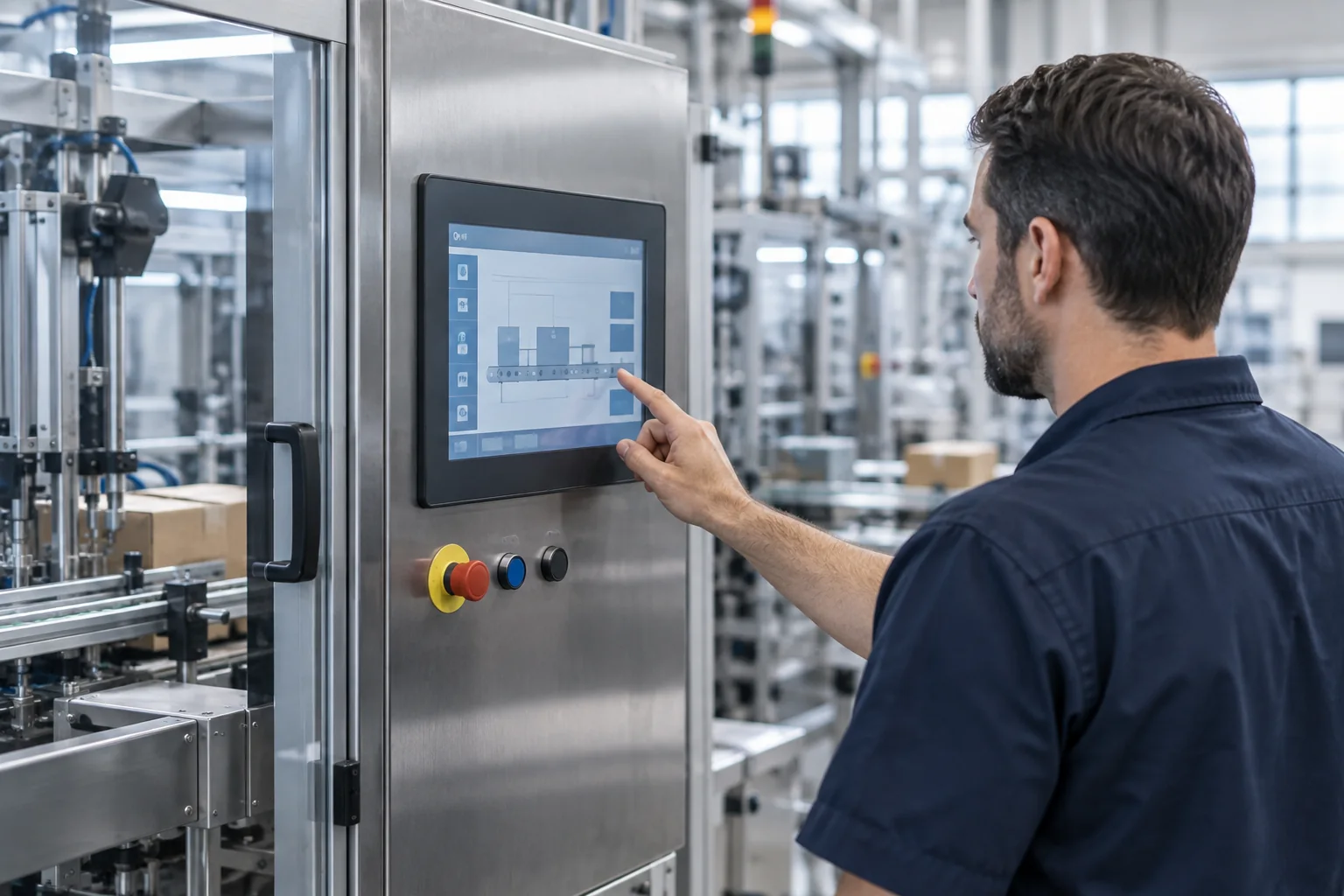
SIMATIC HMI panels, operator terminals, accessories and WinCC software for business buyers worldwide. Send the complete order number and quantity to confirm product and supply requirements.
Browse the product categories below, then identify the complete order number you need.
Match the order number, interfaces, installation dimensions and software requirements before placing an order.
Agree the product details and commercial terms before the order moves forward.
Send model, quantity and destination.
Confirm availability and commercial terms.
Agree the proforma invoice details.
Confirm the agreed product and condition.
Arrange protection for transport.
Confirm shipping details and documents.
Packaging selected for each product model. Transportation arranged to suit your requirements.
We choose the packaging method to suit each product model, taking its size, weight and any specific handling needs into account.
We select the transportation method according to your destination and delivery requirements. Tell us your preferred arrangements when you send an inquiry.
Send your model, quantity, destination and transportation requirements.
Send Delivery Requirements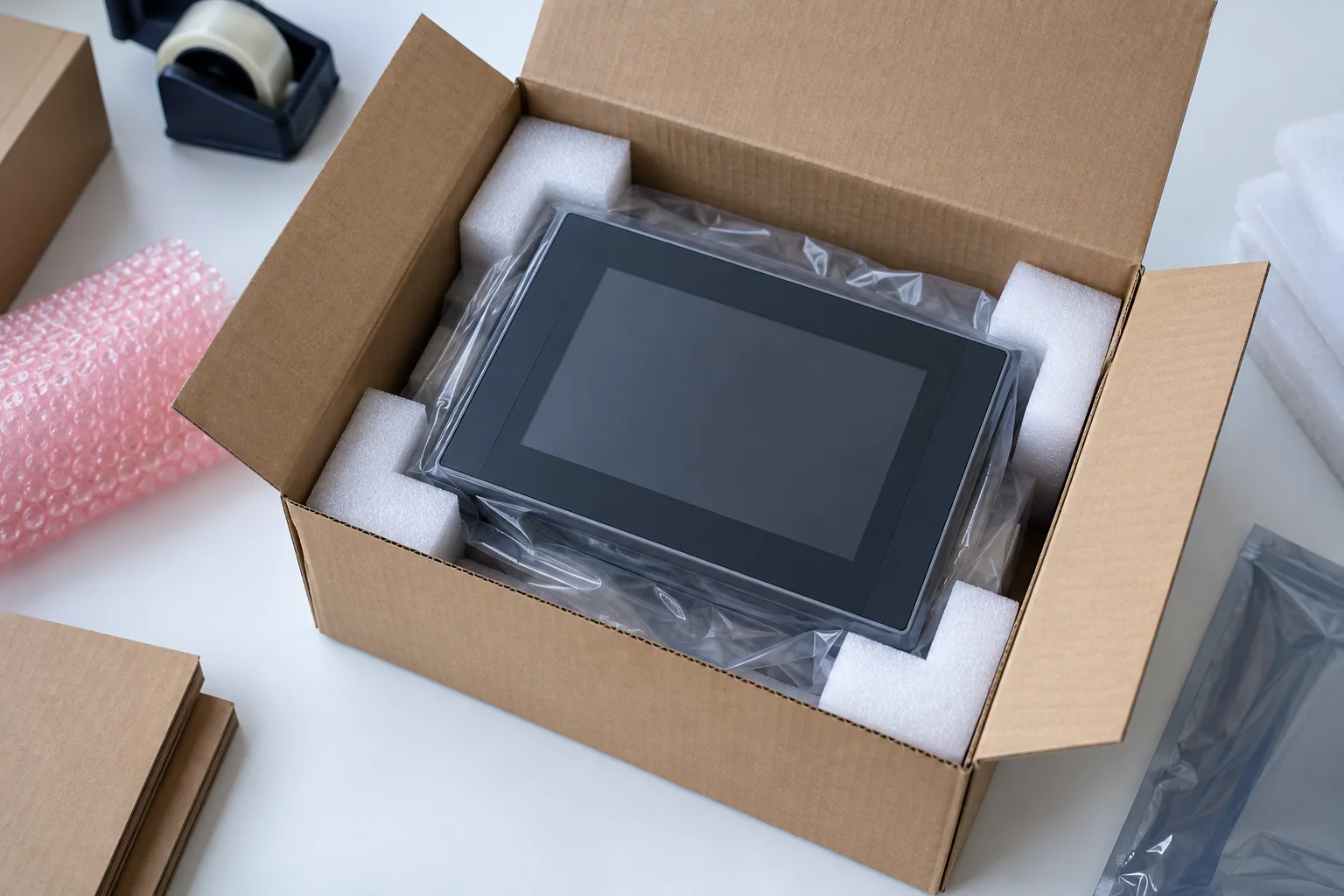
We arrange protective packaging for SIMATIC HMI products, selecting the protection to suit each model, its dimensions and weight, and the transport conditions. We protect sensitive parts, secure the product inside the package and prepare it for the agreed delivery route.
Protective Packing Examples
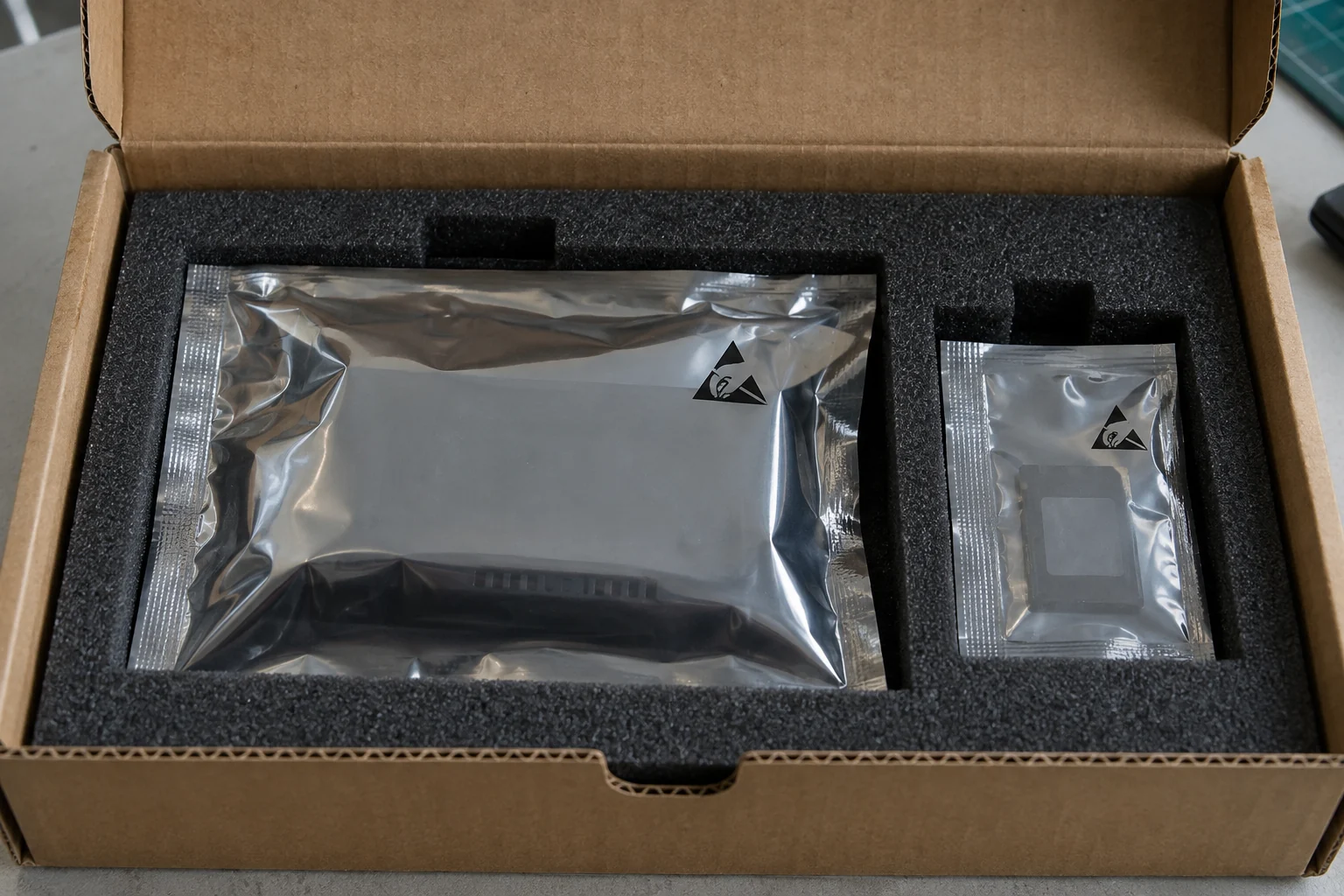
Closed shielding bags protect sensitive electronic accessories before outer cushioning is added.
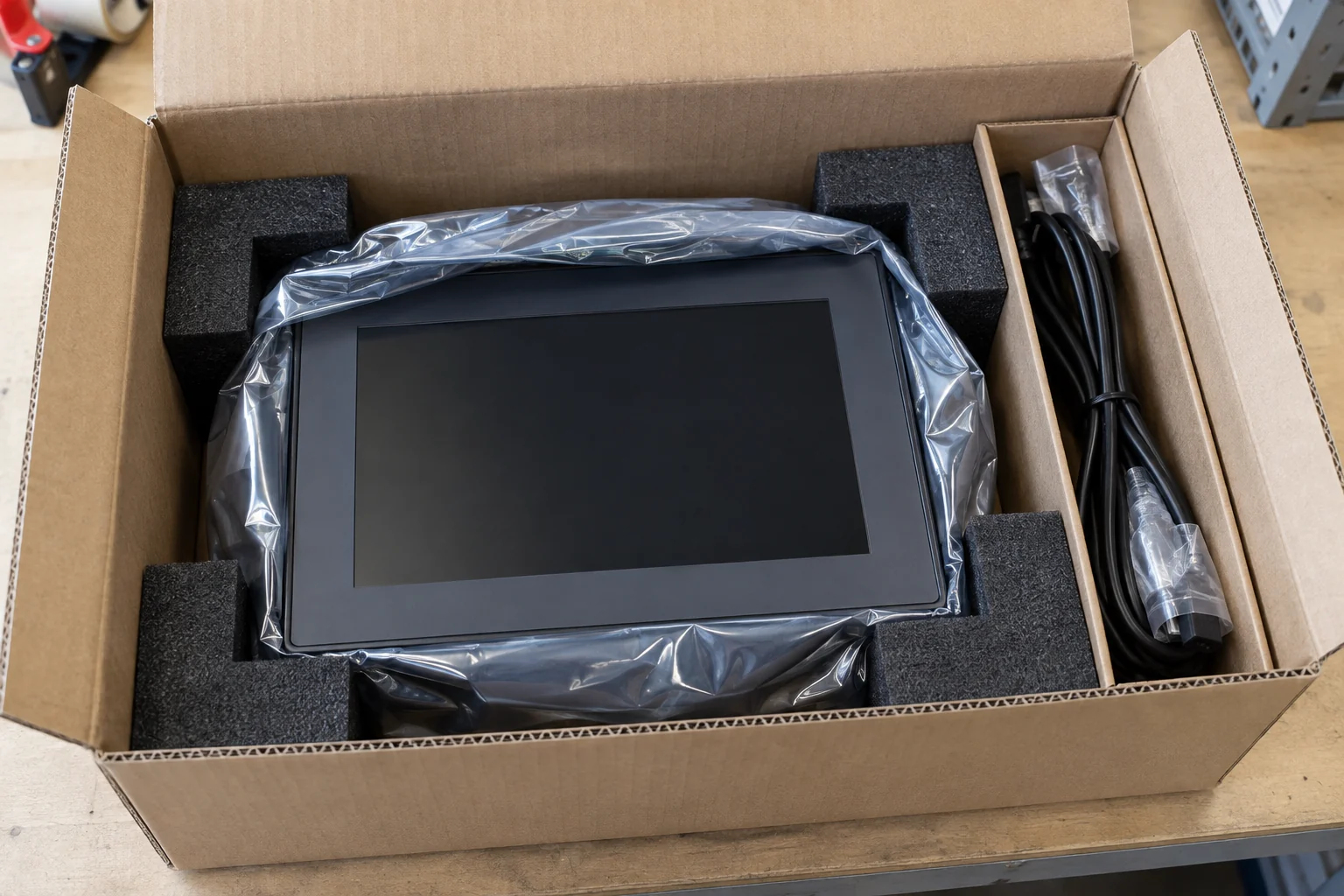
Fitted supports carry the housing, while cables stay in a separate compartment during packing.
We select outer protection for the delivery route and follow the product instructions for moisture protection. Where needed, we include a suitable moisture barrier and desiccant. After receiving a cold shipment in a warmer room, please allow the device to acclimatise and any condensation to dry completely before powering it on.
We limit movement inside the carton and use cushioning to reduce transport shocks and vibration. We select outer packaging for the packed dimensions, weight and handling conditions, adding reinforcement, another outer box or pallet support where needed. We keep heavy components from resting on panels or fragile parts.
We help review concerns about the shipment when it arrives. Please check the carton, product and accessories on receipt. If you find damage, retain the packaging and send us photos and the order details before installation so we can review the issue with you.
We select packaging according to the model, product condition and destination, and confirm the materials and shipping arrangement with you before dispatch.
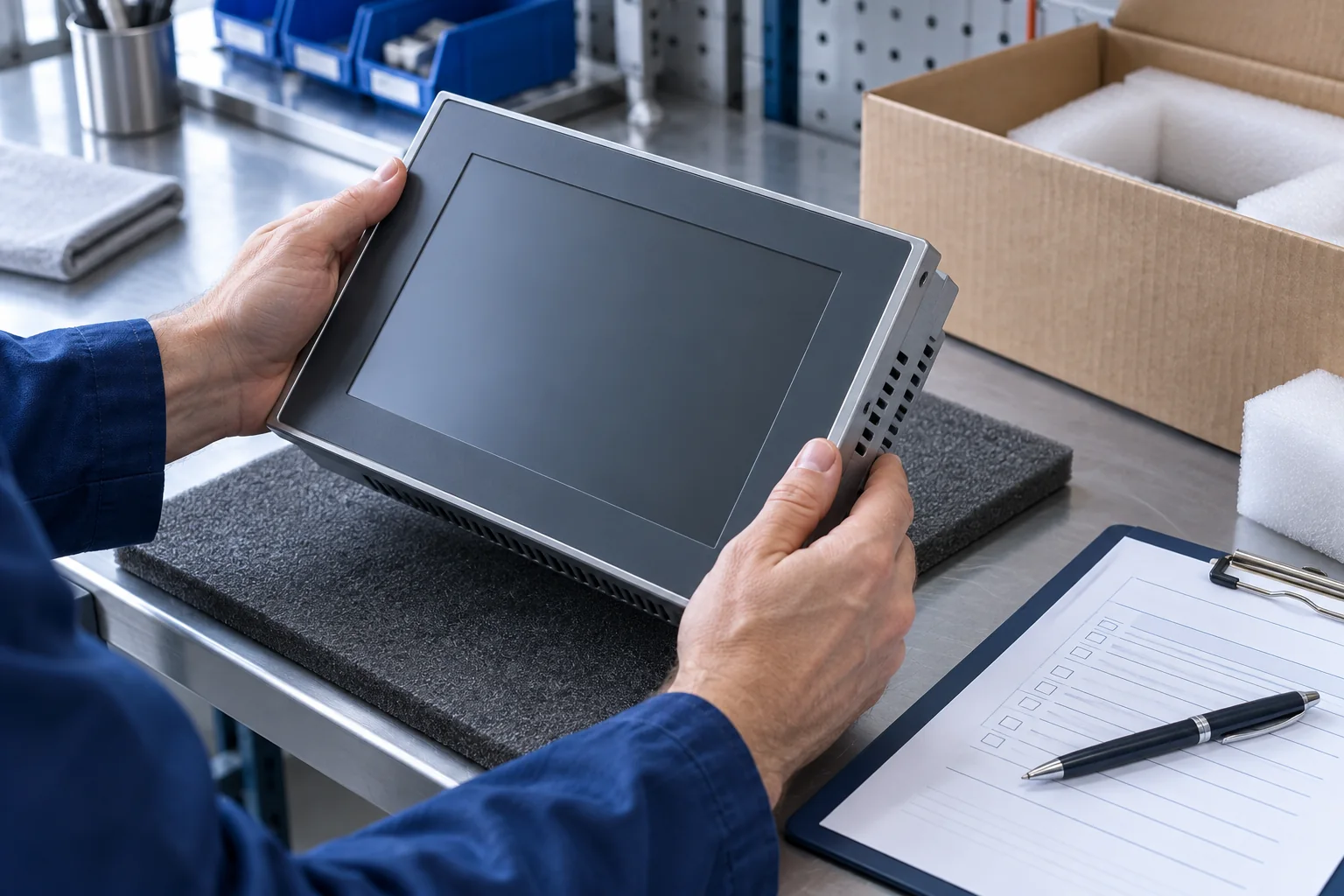
We coordinate product checks, protective packing and dispatch details against the confirmed order.
We check the model, quantity and agreed condition against the confirmed order. If you need inspection photos, records or testing, we confirm the available scope before purchase.
We arrange protective packaging for each model, taking its dimensions, weight and transport route into account. We protect the display, housing and connections as appropriate, and review any special handling requirements with you.
We check the delivery address, quantities and agreed shipping documents before dispatch. We also confirm the availability of any requested packing photos or shipment information.
Send your product order number, quantity, destination and any inspection or packing requirements.
Discuss Your RequirementsFor an installed panel, provide its complete order number and a clear nameplate photo. Include the software version and connection requirements.
For a new installation, include the requested panel reference, quantity, interfaces and installation dimensions.
Specify the accessory order number or software product, version and license requirements. Confirm compatibility as part of the quotation.
Articles on digital twins, virtual commissioning and autonomous transport in industry.
All articles1. Digital Twin Basics: A digital twin is a virtual representation of a physical object or asset that accurately replicates all relevant properties, characteristics and behaviors of the…
challenges and future potential of autonomous transport systems in industry. 1. Introduction to Autonomous Transport Systems (ATS) Autonomous transport systems are vehicles or robotic systems that can operate…
For email inquiries, include the model, quantity, brand, specifications and destination. Attach product or nameplate photos when available.